18.07.2026
The July update: dark mode, reports from your own figures and bigger text
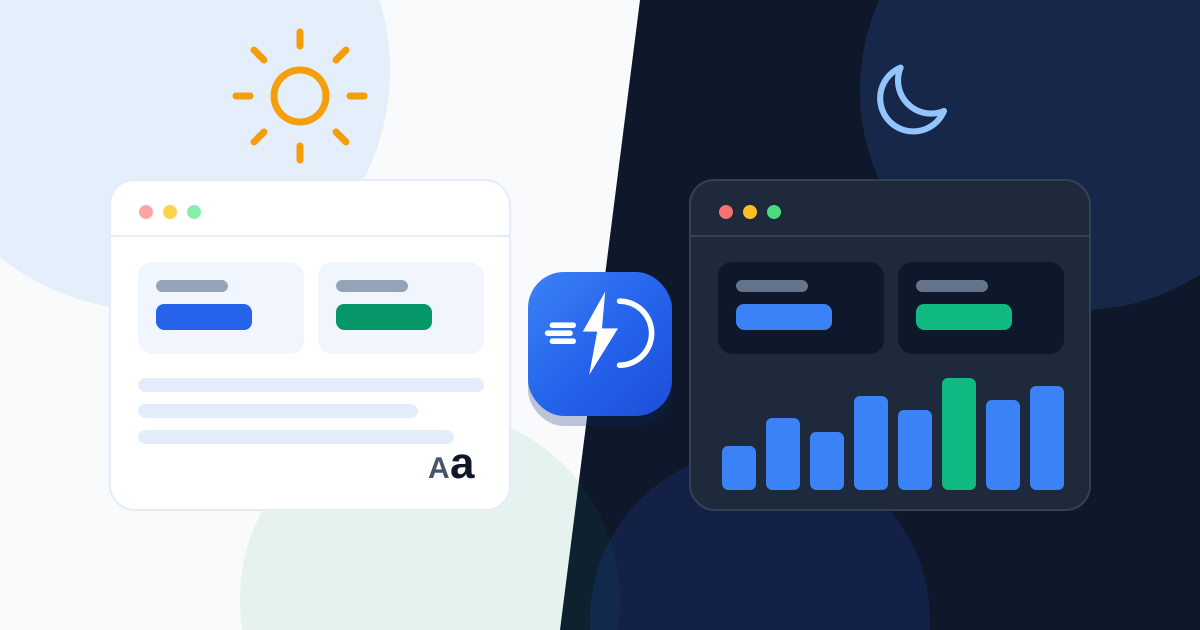
This update brings dark mode, reports, a text-size setting and faster moves between pages. Here is what changed.
Dark mode
The moon button in the header switches the whole app to dark colours, which is easier on the eyes in the evening or in a dim room. The choice is remembered on that device.
Reports from your own figures
The Reports section now works from the sales and jobs you have recorded: a financial summary, profit and margin by product, work per technician, how long repairs take, stock movement and more. You can print any block or save it as a PDF, export most of them as CSV, and drag the blocks into the order you want.
Bigger text
The Aa button in the header sets the text size for the whole app: Normal, Large or Extra-large. It helps on a small screen and for anyone who finds the default text too small.
Faster moves between pages
Moving to another section no longer reloads the whole page, so the next screen appears straight away. The guided tour for new users moves between sections the same way.
Also in this update
- Settings are arranged in groups, each with a short description.
- You can sign up on your own: confirm your e-mail with a code and start working.
- A chat with our team inside the app.
- A warranty field on repairs: a warranty period in days for each job, printed on the ticket.
All of this is available now, including on the free trial.